
why choose Webflow over traditional CMS platforms?
Posted on
Web Design
Posted at
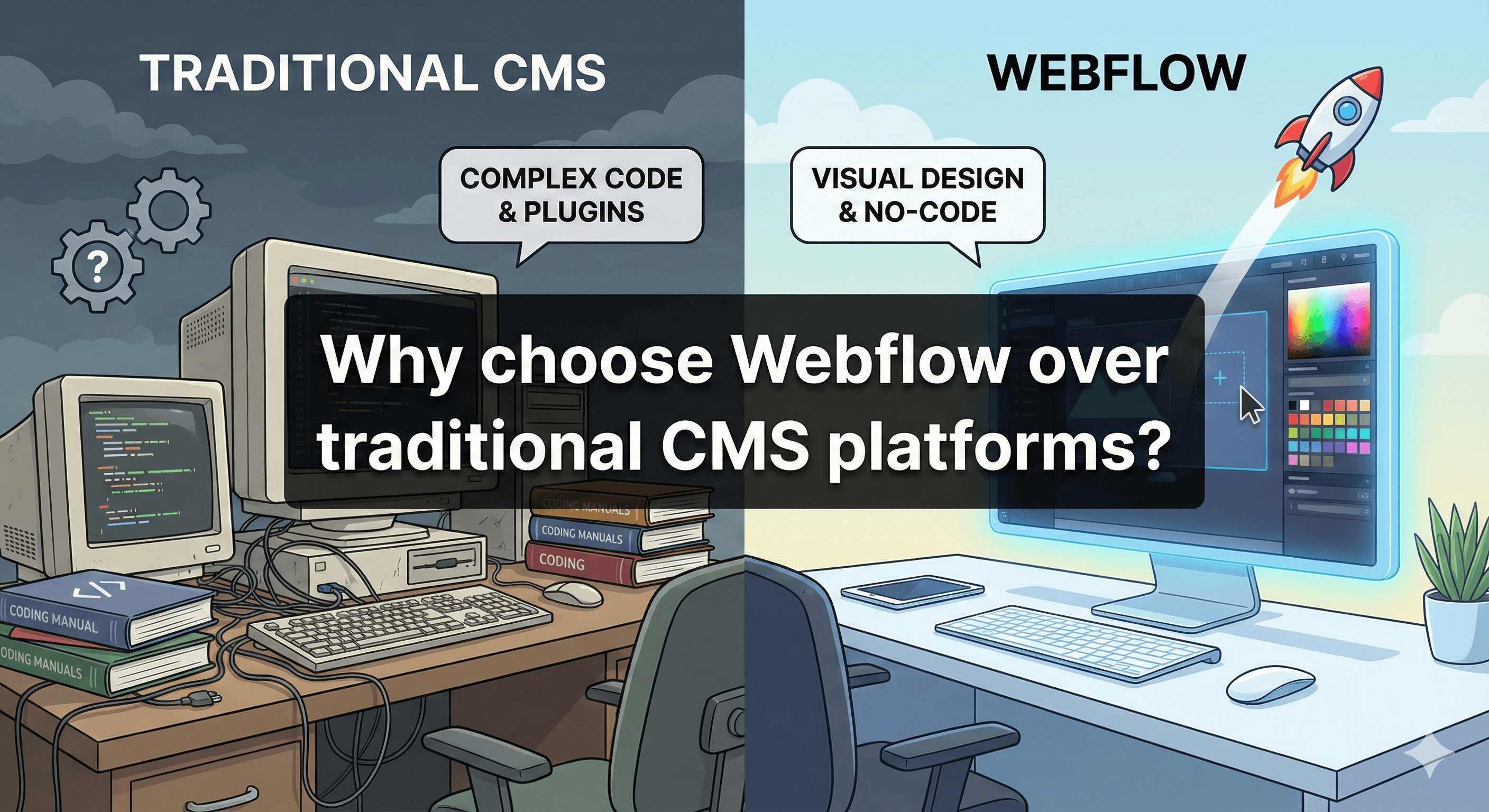
For the last two decades, the internet has been built on a specific set of rules. You buy a domain, you install a Content Management System (CMS) like WordPress, you pick a template, and then you spend the next five years praying that a plugin update doesn't crash your entire business.
It was the standard because it was the only option. But the web has evolved.
Today’s startup founders, marketing directors, and business owners face a new set of challenges. Speed is non-negotiable. Design needs to be bespoke, not cookie-cutter. Security threats are smarter. And frankly, nobody has time to manage server updates on a Tuesday night.
Enter Webflow.
Webflow isn't just another website builder; it’s a paradigm shift in how we build for the web. It merges the power of custom coding with the ease of visual editing, bridging the gap between "developers" and "designers."1
In this article, we’re going to dismantle the old way of doing things. We will explore exactly why choose Webflow over traditional CMS platforms in 2026, and why sticking to the old guard might be costing you more than just monthly hosting fees.
What Are Traditional CMS Platforms?
To understand why Webflow is different, we first need to look at what we are comparing it to.
A Traditional CMS—think WordPress, Joomla, or Drupal—is software that allows you to create, manage, and modify content on a website without needing specialized technical knowledge.2
These platforms operate on a coupled architecture. The backend (where you manage content) and the frontend (what the user sees) are tightly linked. They rely heavily on templates (themes) for design and plugins for functionality.3
Common Limitations and Challenges
If you have run a business website on a traditional CMS, you likely know the struggle:
Plugin Dependency: Want a contact form? Install a plugin. Need SEO tools? Install a plugin. Want to speed up the site? Install a caching plugin. This "plugin bloat" slows down your site and creates security vulnerabilities.4
Maintenance Nightmares: You are responsible for updating the CMS core, the theme, and every single plugin. If you miss an update, you risk getting hacked. If you do the update, you risk breaking the site.
Template Constraints: You are often locked into the rigid structure of a purchased theme. Changing the layout usually requires hiring a PHP developer to hack the code.
Security Vulnerabilities: Because platforms like WordPress are open-source and popular, they are the #1 target for bots and hackers.5
What Is Webflow?
Webflow is often described as a "visual development platform."6
Unlike Wix or Squarespace, which are drag-and-drop builders for consumers, Webflow is a professional tool.7 It writes clean, semantic HTML, CSS, and JavaScript for you as you design visually.8
It is a SaaS (Software as a Service) platform, meaning it is an all-in-one solution.9 You don't buy hosting separately; you don't install software; you don't manage security patches. It is all handled by Webflow’s enterprise-grade infrastructure.
Who Should Use It?
Webflow is built for serious businesses.10 It is the platform of choice for:
Startups who need to iterate fast.
Marketing teams who need landing pages without begging developers.
Agencies delivering high-end custom designs.11
SaaS companies who need their marketing site to match the quality of their product.
Key Reasons to Choose Webflow Over Traditional CMS Platforms
When we analyze Webflow vs traditional CMS options, the decision usually comes down to six critical factors.
1. Visual Development & Design Freedom
With a traditional CMS, you are usually fighting the theme. You have a vision in your head, but the template only allows a sidebar on the right, not the left. To change it, you need to dive into PHP files.
Webflow offers 100% design freedom. It is a blank canvas. If you can design it, you can build it. You aren’t dragging pre-made blocks; you are manipulating raw HTML and CSS elements visually. This allows for bespoke, award-winning designs that stand out in a sea of generic templates.
Internal Link Suggestion: Check out our guide on Webflow design best practices.
2. Clean, Semantic Code Output
This is where Webflow separates itself from other "builders." Most visual builders export "spaghetti code"—messy, bloated, and unreadable.
Webflow writes code as clean as if a senior developer hand-wrote it. This matters because:
Search engines can crawl clean code easier (better SEO).12
Browsers can render clean code faster (better UX).
If you ever decide to leave Webflow, you can export the code and host it anywhere. You aren't held hostage.
3. Built-in SEO Features
In the Webflow vs WordPress debate, WordPress proponents often shout "Yoast!" But here is the reality: You don't need a plugin to do SEO correctly.
Webflow gives you native control over every SEO lever without extra software:
Meta titles & descriptions: Edit them directly on the page.
Open Graph settings: Control how your links look on social media.13
301 Redirects: Manage them easily in the dashboard.
Schema Markup: Add custom structured data without breaking the site.
Auto-generated Sitemap: Updates automatically as you add content.14
Because Webflow sites are lighter and faster, they inherently score better on Core Web Vitals, a major Google ranking factor.
4. Performance and Speed Optimization
Traditional CMS platforms are often slow because they rely on PHP (server-side processing) and databases that get clogged with plugin data.15
Webflow hosting is powered by Amazon Web Services (AWS) and a global Content Delivery Network (CDN) (Fastly).16
No server setup: It just works.
Instant scaling: Whether you have 10 visitors or 10 million, the server scales automatically.
Static page delivery: Webflow serves pages as static HTML where possible, which loads nearly instantly compared to dynamic PHP pages.17
5. Security and Hosting Advantages
This is a massive selling point for enterprise clients. With a traditional CMS, you are the security guard. If you forget to update a plugin, your site gets hacked.
With Webflow, security is their problem, not yours.
Free SSL: Included by default.
SOC 2 Compliance: Enterprise-level security standards.18
No SQL Injection: Since you aren't managing a messy database with vulnerable plugins, the most common hack vectors simply don't exist.
6. The "No Plugin" Philosophy
In Webflow, the core features you need (forms, sliders, tabs, interactions, CMS) are built-in. You don't need a "slider plugin" that slows down your site.
If you need advanced functionality (like a complex filter or specific integration), you use Integrations or custom code, not plugins. This keeps the ecosystem clean and prevents conflicts that crash sites.
Webflow vs Traditional CMS: Feature Comparison
Let’s look at a direct comparison to see the Webflow CMS benefits clearly.
Feature | Traditional CMS (e.g., WordPress) | Webflow |
Design Control | Limited by Theme / Requires Code | 100% Visual Customization |
Code Quality | Often bloated with unused scripts | Clean, semantic HTML/CSS |
Maintenance | High (Plugin/Core updates required) | Zero (Managed by Webflow) |
Security | Vulnerable (Target #1 for hackers) | Enterprise-grade (AWS + SSL) |
Hosting | You must buy/manage separately | Included (Tier 1 Global CDN) |
Support | Community forums / Hire a dev | Webflow University / Customer Support |
Cost | Cheap entry, expensive to maintain | Higher monthly fee, lower long-term cost |
Who Should Choose Webflow?
Webflow isn't for everyone (we'll get to that in a moment), but it is the best CMS for modern websites in specific categories.
Startups and SaaS Companies
You need to move fast. You need a marketing site that looks like a million bucks but doesn't distract your engineering team. Webflow allows marketing teams to own the website.19 You can create new landing pages for campaigns in hours, not weeks, without pulling a developer off your product roadmap.20
Agencies and Freelancers
For agencies, Webflow is a profit multiplier. You can build sites faster because you aren't fighting code. You can charge more because the design quality is higher. And most importantly, you stop getting 2 AM calls from clients saying, "I updated a plugin and the site is broken."
Internal Link Suggestion: Read about why agencies are switching to Webflow.
Marketing-Driven Businesses
If your website is your primary sales channel, you need stability and speed. Webflow’s CMS allows content editors to write blog posts and case studies directly on the page (Visual Editor) without seeing the backend code.21 It’s intuitive and foolproof.
When Traditional CMS Might Still Be a Better Choice
As an expert, I value honesty. Webflow is powerful, but it is not a magic wand for every single scenario.
1. Complex Member Portals & Web Apps:
While Webflow has "User Accounts," if you are building a massive social network or a platform with complex backend logic (like Airbnb), a traditional framework (Laravel, React) or a robust CMS like Drupal might be better.
2. Massive E-commerce:
Webflow E-commerce is great for small to medium stores.22 However, if you have 10,000 SKUs, complex multi-currency logic, and heavy inventory management needs, Shopify or Magento are still the kings of e-commerce.
3. Total Data Ownership Extremists:
Webflow is a hosted platform. You cannot host the CMS on your own private server in your basement. For 99% of businesses, this is a pro (security). For highly regulated industries requiring on-premise hosting, this is a con.
Real-World Use Cases & Examples
To prove the point, let’s look at how businesses are actually using Webflow.
The High-Conversion Landing Page
A B2B software company used to wait two weeks for their dev team to code a landing page for a new eBook. After switching to Webflow, the marketing manager built the page herself in 4 hours. The result? They launched the campaign same-day and increased lead velocity by 300%.
The Content-Driven Media Site
A digital magazine migrated from WordPress to Webflow. On WordPress, their site crashed whenever a viral article hit. After moving to Webflow, they handled 100,000 visitors in an hour with zero downtime, and their "Time to First Byte" (speed) improved by 60%.
Future of CMS: Why Webflow Fits Modern Web Development
The internet is moving toward a No-Code / Low-Code future.
In the past, there was a strict wall: Developers coded, Designers designed. Webflow tears down that wall. It empowers visual thinkers to build powerful products.
The future of the web is about Performance, Experience, and Agility.
Google will continue to penalize slow sites (penalizing traditional CMS bloat).23
Users will continue to demand unique, interactive experiences (favoring Webflow’s interaction engine).
Businesses will demand faster execution (favoring Webflow’s visual speed).
Choosing Webflow today is future-proofing your digital presence.
So, why choose Webflow over traditional CMS platforms?
Choose it because you are tired of maintenance mode. Choose it because you want your brand to look unique, not like a template. Choose it because you want a website that works for you, bringing in customers through superior SEO and speed, rather than working against you with security flaws and crashes.
Traditional CMS platforms had their time. They were the best option for a long time. But for modern, growth-focused businesses, the flexibility, security, and performance of Webflow make it the clear winner.
Ready to transform your digital presence?
Don't let an outdated CMS hold your business back. Whether you are migrating from WordPress or building from scratch, the move to Webflow is an investment in your future.
Contact our Webflow experts today for a consultation.
Explore our Webflow migration services.