How to Choose the Best Open-Source CMS for Your Website (2026)
Posted on
Web Design
Posted at
Jan 7, 2026

How to Choose the Best Open-Source CMS for Your Website
In 2026, choosing the right Content Management System (CMS) is one of the most important decisions for any business building a modern website. Your CMS is not just a backend tool for managing pages and blog posts — it directly affects your website’s SEO performance, loading speed, security, scalability, user experience, and long-term digital growth. As businesses compete across Google Search, AI Overviews, generative AI platforms, and mobile-first experiences, selecting the best CMS has become more critical than ever.
Today, many businesses are moving toward open-source platforms because they offer greater flexibility, ownership, and customization compared to closed proprietary website builders. This shift has also increased demand for experienced CMS Website Development Companies that can build scalable, SEO-friendly, and future-ready websites using modern CMS technologies.
An open-source CMS is a platform where the source code is publicly available, allowing developers and businesses to modify, customize, and extend the website according to their needs. Unlike proprietary website builders that lock users into a specific ecosystem, open-source CMS platforms provide full control over hosting, design, functionality, and integrations. Popular examples include WordPress, Drupal, Joomla, Strapi, Contentful, and other headless CMS solutions widely used by modern web development companies.
One of the biggest advantages of open-source CMS platforms is flexibility. Businesses can create everything from simple business websites to enterprise-level portals, eCommerce stores, membership platforms, and AI-ready digital experiences. Professional CMS Website Development Companies often recommend open-source solutions because they allow complete customization without depending on a single vendor’s limitations.
Another major factor is SEO and performance optimization. In 2026, websites must be optimized not only for traditional Google rankings but also for AI-driven search experiences like Google AI Mode, ChatGPT discovery, and generative search platforms. Open-source CMS systems provide advanced technical SEO capabilities such as schema markup integration, Core Web Vitals optimization, structured content architecture, clean URL management, and scalable content publishing workflows.
Security and scalability also play a significant role when selecting the best CMS. Open-source platforms benefit from large developer communities that continuously improve security patches, plugins, integrations, and platform stability. Businesses can easily scale their websites as traffic, products, or services grow without rebuilding the entire platform.
When choosing the best open-source CMS for your website, it is important to evaluate factors such as ease of content management, SEO readiness, customization options, third-party integrations, mobile responsiveness, developer support, and future scalability. Partnering with experienced CMS Website Development Companies can help businesses select the right platform based on their goals, industry requirements, and long-term digital strategy.
Ultimately, the best open-source CMS is the one that aligns with your business growth plans, content strategy, and technical requirements. A well-chosen CMS creates a strong digital foundation that supports better search visibility, faster performance, improved customer experience, and sustainable online growth in the evolving digital landscape of 2026.
Why Choose an Open-Source CMS?
Choosing an open-source platform offers several evergreen advantages that become increasingly valuable as your website grows.
Cost Benefits: There are no licensing fees. While you still pay for hosting, themes, and specialized plugins, the core engine is free.
Flexibility & Customization: Since you have access to the code, there are zero "walled gardens." You can build highly specific features that a proprietary builder might not support.
Community Support: Popular platforms have millions of users. If you run into a problem, someone has likely already solved it and shared the answer in a forum.
Security Transparency: Thousands of developers constantly audit the code. When a vulnerability is found, the community typically releases a patch much faster than a single corporate entity could.
Key Factors to Consider When Choosing an Open-Source CMS
Don't choose a CMS based on popularity alone. Evaluate your options against these eight critical pillars.
1. Ease of Use & Learning Curve
Consider who will be using the site daily. If you are a solo blogger, a "drag-and-drop" interface is essential. If you have a dedicated IT team, you might prioritize power over simplicity.
2. Customization & Themes
Does the CMS have a healthy marketplace for themes? A good CMS should allow you to change the look of your site without rebuilding the content from scratch.
3. Plugin / Extension Ecosystem
Plugins add functionality (like contact forms or SEO tools). A large ecosystem means you won't have to hire a developer to write custom code for basic features.
4. Performance & Scalability
Can the CMS handle 10,000 visitors at once? Some platforms are lightweight and fast out of the box (like Ghost), while others require careful optimization to stay fast under heavy loads (like WordPress).
5. Security Features & Update Cycle
Look for a CMS with a transparent history of security updates. Frequent updates are a sign of a healthy, secure platform.
6. SEO Capabilities
A best open-source CMS must allow you to edit meta tags, create clean URL structures, and manage sitemaps. Built-in SEO tools or high-quality plugins (like Rank Math or Yoast) are vital.
7. Community & Documentation
When something breaks at 2:00 AM, you need a deep library of documentation and active community forums to find a fix.
8. Hosting & Server Requirements
Most open-source CMS platforms run on standard PHP/MySQL hosting, but some modern "headless" or "flat-file" systems might require specialized environments.
Comparison of Popular Open-Source CMS Platforms
CMS | Best For | Ease of Use | SEO | Scalability | Ideal Users |
WordPress | General Purpose | High | Excellent | High | Beginners & Pros |
Drupal | Enterprise/Gov | Low | Excellent | Very High | Developers |
Joomla | Complex Portals | Medium | Good | High | Power Users |
Ghost | Modern Publishing | High | Native | Medium | Writers/Bloggers |
TYPO3 | Large Corporations | Low | Great | Unlimited | Large IT Teams |
Best Open-Source CMS by Use Case
Best CMS for Blogs: Ghost
Ghost is a focused, professional publishing platform. It uses a modern Markdown editor and has SEO and newsletter tools built directly into the core, making it faster and sleeker than WordPress for pure writers.
Best CMS for Business Websites: WordPress
WordPress powers over 40% of the web for a reason. Its massive theme and plugin library makes it the most cost-effective choice for a professional business site that needs to look great and rank well.
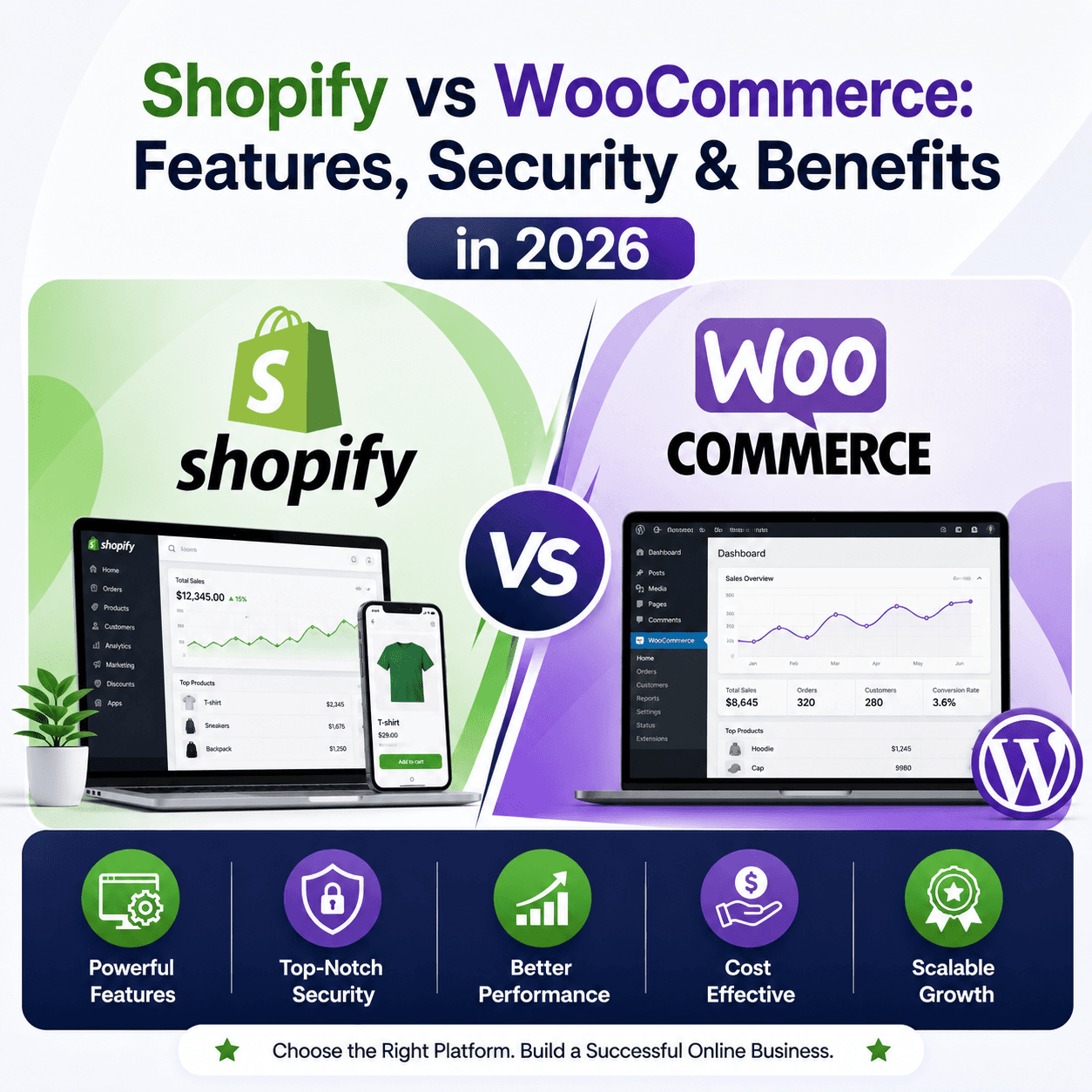
Best CMS for eCommerce: WordPress (with WooCommerce)
While specialized platforms exists, WooCommerce provides the most flexible, open-source way to sell products online without the high monthly fees of proprietary competitors.
Best CMS for Developers: Strapi or Hugo
If you prefer a "Headless" approach where you code the front end yourself using React or Vue, Strapi is the leading open-source choice. For lightning-fast static sites, Hugo is a developer favorite.
Best CMS for Enterprise: Drupal
Drupal is built for complexity. It excels at managing thousands of pages, complex user permissions, and high-security requirements. It is the choice for universities and government agencies worldwide.
Common Mistakes to Avoid
Choosing Based on Trends: Don't pick a "hot" new CMS that might be abandoned in two years. Stick to established platforms with large communities.
Ignoring Scalability: A platform that works for 10 pages might break when you have 1,000. Plan for where you want to be in three years.
Overlooking Security: Open-source is secure, but only if you update it. If you aren't prepared to run updates, you may be better off with a managed hosting plan.
How to Future-Proof Your CMS Choice
To ensure your website remains viable for the next decade, follow these three steps:
Standardize Your Data: Use a CMS that allows you to export your content in standard formats (like XML or JSON). This makes future migrations easier.
Choose Managed Hosting: Even though the CMS is "self-hosted," using a specialized host (like WP Engine for WordPress or Ghost(Pro) for Ghost) ensures your server is always optimized and secure.
Keep it Lean: Don't install 50 plugins. Every extra plugin is a potential security hole and a speed drag.
Expert Tips for Selecting the Right CMS
If you are a non-technical business owner, start with WordPress. It has the largest talent pool, meaning you will never be "locked in" to a single developer.
If you are a developer building a high-performance project, look into Headless CMS options. Decoupling the content from the design allows for much faster front-end experiences.
FAQs (SEO-Optimized)
Which is the best open-source CMS in 2026?
There is no single "best" platform, but WordPress remains the most versatile for most users. Ghost is best for publishers, and Drupal is the top choice for enterprise-level complexity.
Is an open-source CMS secure?
Yes. Because the code is public, vulnerabilities are often found and fixed by the community before they can be widely exploited. However, security depends on the user keeping the software and plugins updated.
Can I migrate from one CMS to another?
Yes, but it can be technical. Most platforms offer "Import" tools, but moving complex designs and custom features usually requires a developer's help.
Which CMS is best for beginners?
WordPress is the most beginner-friendly due to its massive library of tutorials, drag-and-drop page builders (like Elementor), and intuitive dashboard.
Do open-source CMS platforms support SEO?
Absolutely. In fact, open-source platforms often offer better SEO control than proprietary builders because they allow for deeper technical optimizations, custom schema markup, and better site architecture.
Conclusion
The "best" open-source CMS is the one that aligns with your technical skills, your business goals, and your budget.
If you want a site that grows with you, offers total data ownership, and provides access to a global pool of talent, open-source is the only way to go. Evaluate your needs—whether it's the simplicity of Ghost, the versatility of WordPress, or the power of Drupal—and start building your digital future today.