
Headless vs. Traditional CMS: Which Is Right for Your Business in 2026?
Posted on
UX/UI
Posted at
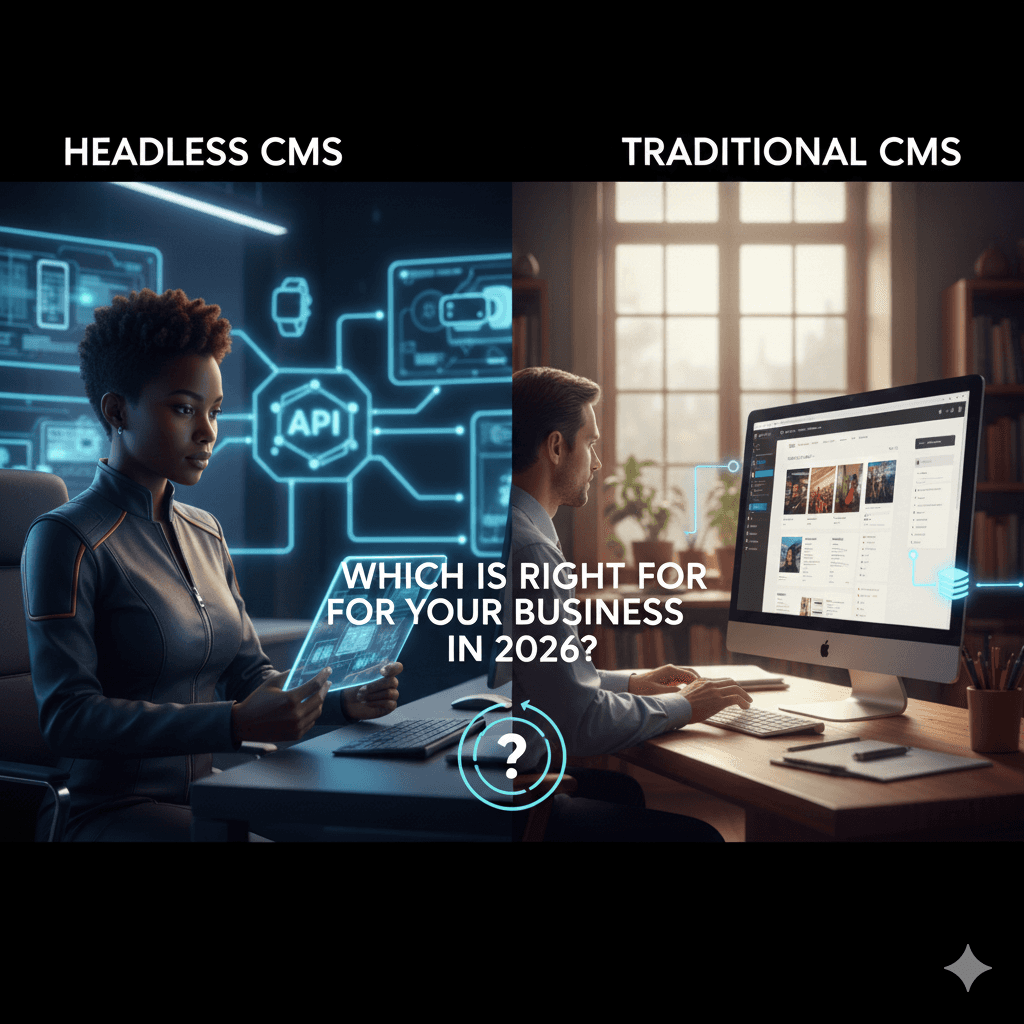
Headless vs. Traditional CMS: Which Is Right for Your Business in 2026?
In 2026, the digital experience has evolved far beyond the desktop screen. Consumers now interact with brands through mobile apps, smartwatches, voice assistants, and even augmented reality interfaces. This fragmentation has turned the "simple" choice of a Content Management System (CMS) into a critical architectural decision.
At its core, a CMS is the software that allows you to create and manage digital content. However, how that content is delivered to your audience depends on its "head"—the front-end display. Choosing between a traditional CMS vs headless CMS is a choice between integrated simplicity and decoupled flexibility.
This guide will break down the two architectures, compare their performance in the current market, and provide a roadmap to help you decide which path is right for your business.
1. What Is a Traditional CMS?
A traditional CMS—often called a "coupled" or "monolithic" CMS—is an all-in-one platform. It manages the content (the back end) and the presentation layer (the front end) simultaneously.
How Traditional CMS Works
In this architecture, the database, the editing interface, and the website's visual design are all part of the same codebase. When a user visits your site, the CMS pulls content from its database and pushes it through a predefined theme or template to display it.
Strengths and Limitations
Strengths:
Ease of Use: Marketers can often manage the entire site without a developer.
Speed to Market: Thousands of pre-built themes and plugins allow you to launch in days.
Unified Support: Everything is under one roof, making it easier to troubleshoot.
Limitations:
Rigid Design: You are often restricted by the templates provided by the platform.
Performance Issues: Tightly coupled systems can become slow as you add more plugins.
Single-Channel Only: It is difficult to send content from a traditional CMS to a mobile app or IoT device.
2. What Is a Headless CMS?
A headless CMS is a "back-end only" content repository. It handles the content creation and storage but has no "head" (no front-end display).
How Headless CMS Works
Instead of being tied to a specific website template, your content is stored as "raw data." Developers then use an Application Programming Interface (API) to pull that data and display it on any device—a website, an iPhone app, a digital billboard, or even a smart fridge.
Strengths and Limitations
Strengths:
Omnichannel Publishing: Write your content once and push it to every platform you own simultaneously.
Developer Freedom: Your tech team can use modern frameworks like React, Next.js, or Vue.js without restrictions.
Enhanced Security: Since the "head" is separated from the "body," the primary content database is much harder for hackers to reach.
Limitations:
No Visual Preview: Without a built-in front end, editors sometimes struggle to see how a page will look before it’s live.
High Development Cost: You must build the front end from scratch; there are no "themes" to install.
3. Headless vs. Traditional CMS: Key Differences
Feature | Traditional CMS | Headless CMS |
Architecture | Monolithic (Coupled) | Decoupled (API-driven) |
Primary User | Marketers / Content Editors | Developers / Product Teams |
Flexibility | Limited by templates | Unlimited |
Security | Vulnerable via plugins | Highly secure (Smaller attack surface) |
Performance | Can be slow/bloated | Fast (Edge-ready) |
Time to Market | Very Fast | Slower (Requires custom build) |
Cost | Low to Moderate | Moderate to High |
4. SEO Comparison: Headless vs. Traditional
In 2026, Core Web Vitals are the heartbeat of SEO. How you choose your CMS directly impacts these scores.
Page Speed and Performance
Headless CMS platforms often win on speed. Because they deliver raw data to a custom-built front end, developers can optimize every millisecond of load time. In contrast, traditional systems like WordPress often carry "plugin bloat" that can drag down your Largest Contentful Paint (LCP) scores.
Technical SEO Control
Traditional: Offers "out of the box" SEO tools (like Yoast or Rank Math) that automate sitemaps and meta tags.
Headless: Requires a developer to manually set up sitemap generation and schema markup. While this offers more control, mistakes here can be catastrophic for your rankings.
The Verdict: Headless is better for "Elite" SEO performance, but Traditional is safer for businesses without a dedicated technical SEO team.
5. Which CMS Is Right for Your Business?
Small Businesses
If you need a professional website to show your services and blog occasionally, a Traditional CMS is almost always the better choice. It is cost-effective and doesn't require a full-time developer to keep the lights on.
Medium-sized Companies & Ecommerce
As you scale, you may find traditional systems slowing you down. If you run a high-traffic store and want a "mobile-first" experience that feels like an app, a Headless CMS allows for the high-performance UI that drives conversions.
Enterprises
For large organizations with multiple websites, mobile apps, and international localized content, Headless is the modern standard. It eliminates "content silos" by keeping all brand assets in one central hub.
Decision Checklist:
Do you need content on more than just a website? (If Yes $\rightarrow$ Headless)
Do you have a dedicated budget for front-end developers? (If No $\rightarrow$ Traditional)
Is your team's priority "Ease of Editing" over "Custom Design"? (If Yes $\rightarrow$ Traditional)
Is top-tier site speed your primary competitive advantage? (If Yes $\rightarrow$ Headless)
6. Cost, Maintenance & Team Requirements
It is a common myth that headless is always "more expensive." However, the type of expense changes:
Traditional CMS: Low upfront cost. Most expenses go toward premium plugins, theme licenses, and security maintenance.
Headless CMS: High upfront cost for custom development. However, long-term maintenance is often lower because you aren't constantly fighting with plugin updates and security patches.
7. Future Trends in 2026
AI-Assisted Management: Both architectures are now integrating AI to help tag images, write meta descriptions, and suggest content improvements.
Hybrid CMS: Many traditional platforms (like WordPress) now offer "headless" capabilities, allowing you to use the familiar editor while developers pull content via the REST API. This is often the "sweet spot" for 2026.
8. Common Mistakes to Avoid
Chasing Trends: Don't go headless just because it's "cool." If your site is 10 pages and doesn't change often, headless will be an expensive headache.
Ignoring the Editor Experience: If your marketing team can't figure out how to post a blog without calling a developer, your headless implementation has failed. Ensure your chosen platform has a user-friendly interface.
Final Verdict
The "right" choice depends on your goals, not the technology itself.
Choose Traditional if you want to launch quickly, manage everything yourself, and keep costs predictable. It remains the most reliable path for 80% of businesses.
Choose Headless if you are building a modern digital product, require a lightning-fast omnichannel experience, and have the developer talent to support a custom-built front end.
FAQs
Is headless CMS better for SEO?
It can be, but it isn't automatic. Headless allows for faster page speeds (a ranking factor), but you must manually implement technical SEO elements that traditional systems handle automatically.
Is traditional CMS outdated in 2026?
Not at all. While headless is growing, traditional systems power the majority of the web because they are efficient, affordable, and accessible.
Does headless CMS require developers?
Yes. You cannot launch a headless site without a developer to build the "head" (the front end) using code.
Is headless CMS more expensive?
Generally, yes, in the setup phase. Because there are no templates, every part of the user experience must be designed and coded manually.
Can I switch from traditional to headless later?
Yes, but it requires a full rebuild of your website's front end and a migration of your content database.