Figma to Webflow Conversion: Cost, Time & Process Explained
Posted on
UX/UI
Posted at
Jan 8, 2026
Figma to Webflow: The Modern Way to Ship Websites Fast
By Vivek Shah | Senior Webflow Developer
We’ve all been there. You have a stunning design in Figma. The stakeholders love it. The colors pop, the layout is fresh, and the prototype feels alive.
Then, you hand it off to a traditional developer.
Three weeks later, you get a link. The fonts are wrong. The spacing feels "off." The mobile view is a disaster. And just like that, your pixel-perfect vision is compromised.
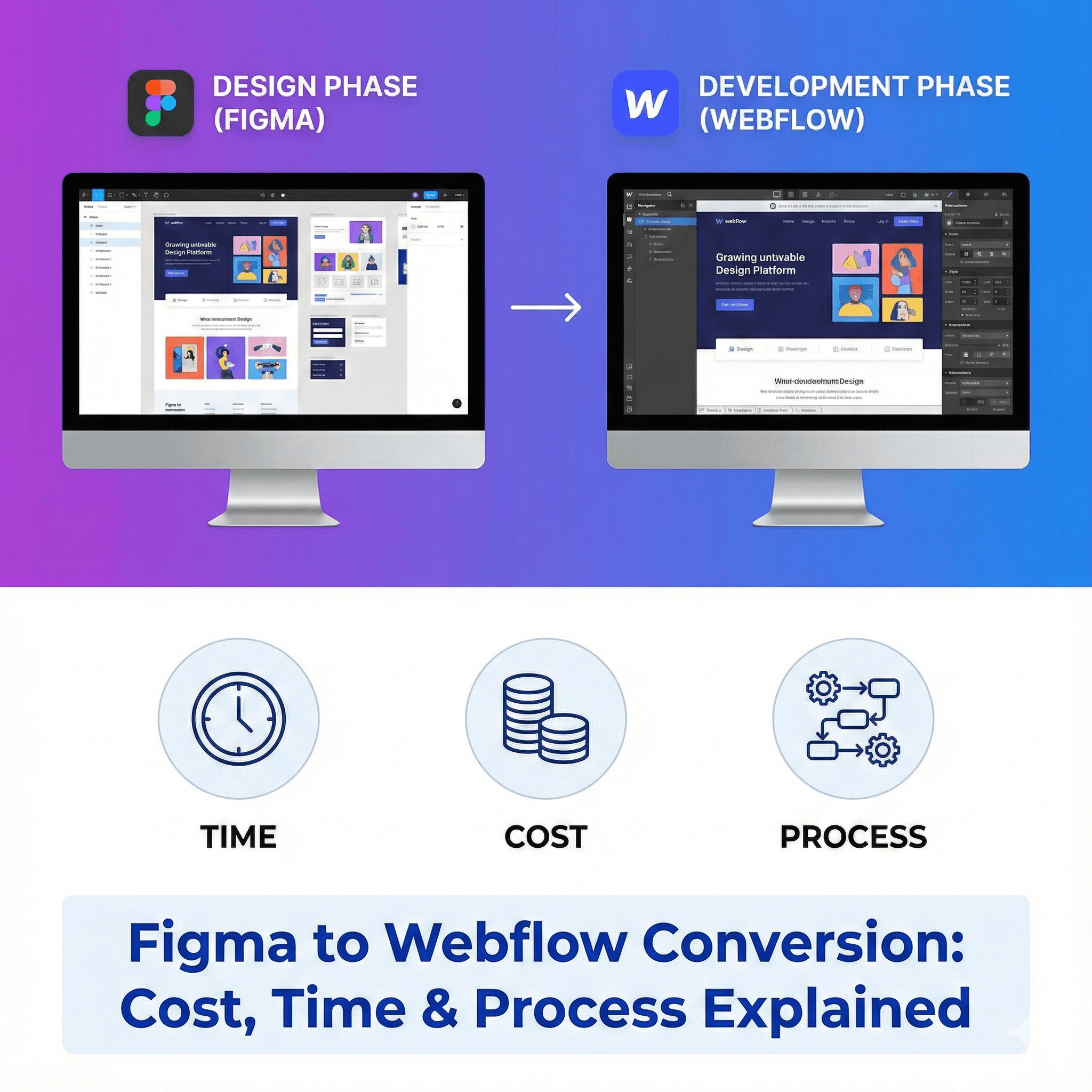
This "handoff gap" is where great designs usually go to die. But there is a better way, and it’s shifting the entire industry: Figma to Webflow conversion.
If you are a founder or product manager asking, "How do I get my design live without the headache (and high cost) of custom coding?"—this guide is for you.
Why The Old Way is Broken (And Why Webflow Wins)
In the traditional workflow, a designer draws a picture, and a developer writes code to mimic that picture. It’s a game of "telephone," and details always get lost in translation.
Webflow changes the physics of development.
It doesn't just mimic the design; it is the design, powered by clean, production-ready code.
It’s Not Just "No-Code": It’s visual coding. We are still writing HTML and CSS, but we’re doing it visually. This means we can match your Figma file down to the exact pixel.
Speed is a Feature: We aren't debugging syntax errors or managing server plugins. This allows us to build 2x to 3x faster than traditional WordPress setups.
Marketing Independence: Once we hand over the keys, your marketing team can change text, swap images, and publish blogs without calling a developer.
The Real Process: How We Move from Figma to Live Site
Many clients think Webflow is a magic button. You click "Import," and Figma turns into a website.
Warning: That doesn’t exist. (Well, plugins exist, but the code they generate is messy and unscalable).
A professional Figma to Webflow conversion is a manual, architectural process. Here is what actually happens behind the scenes:
Phase 1: The Setup (The Foundation)
Before we build a single page, we build the "System." We take your Figma style guide—your H1s, body text, colors, and button styles—and program them into Webflow’s global settings. This ensures that if you change a blue button to red later, it updates everywhere instantly.
Phase 2: The Build (Desktop First)
We build the structure using semantic HTML. We aren't just dragging boxes; we are using proper tags (<section>, <nav>, <h1>) so Google understands what your site is about. This is critical for SEO.
Phase 3: The "Squishy" Part (Responsiveness)
This is where amateurs fail. Figma designs are static images. The web is fluid.
We manually program how your layout behaves on:
Standard Laptops
Tablets (Vertical & Horizontal)
Mobile Phones
We don't just "shrink" things; we re-stack grids, adjust font sizes, and hide elements to ensure the mobile experience is native-quality.
Global Pricing: Where Should You Hire?
One of the biggest questions we get is: "Why does this agency charge $10k while this freelancer charges $1k?"
Often, it comes down to geography (cost of living) and the level of "agency polish" you require. Here is a realistic look at what Webflow development costs around the world.
Country-wise Cost Comparison
Region | Hourly Rate (Avg.) | 5-Page Site Estimate | Quality Expectation |
USA / UK / Canada | $100 – $250 | $5,000 – $12,000+ | Premium communication, same time zone, legal contracts. |
Western Europe | $80 – $150 | $4,000 – $8,000 | High design sensibility, strong technical standards. |
Eastern Europe | $50 – $100 | $2,500 – $5,000 | Great technical skills, good English proficiency. |
India / Southeast Asia | $30 – $80 | $1,500 – $3,500 | Best Value. High technical skill. Look for "Client-First" certified experts. |
Insider Tip: Don't just shop for the lowest rate. In the $30/hr range, you can find incredible senior talent in India, or complete beginners in the US. Vet the portfolio, not just the flag.
A Note on SEO (The Elephant in the Room)
"But is Webflow good for SEO?"
Short answer: It’s better than WordPress.
WordPress relies on heavy plugins (Yoast, WP Rocket) to patch its performance issues. Webflow is clean out of the box.
Speed: AWS hosting is built-in. No need for caching plugins.
Structure: Google loves the clean code Webflow generates.
Control: We can edit meta titles, slugs, and Open Graph images directly in the editor.
We have seen clients migrate from WordPress to Webflow and see a 20% jump in organic traffic simply because the new site loads faster and provides a better user experience (UX).
The Bottom Line: Time & Cost Cheat Sheet
If you are skimming this article looking for numbers to put in your budget proposal, here is the summary.
These estimates assume a professional standard—fully responsive, SEO-ready, and scalable.
Final Cost & Time Summary Table
Project Scope | Timeline | Freelancer Cost | Agency Cost |
Landing Page (One Pager) | 3 – 5 Days | $500 – $1,200 | $1,500 – $3,000 |
Marketing Site (5-8 Pages) | 2 Weeks | $1,500 – $3,500 | $4,000 – $8,000 |
Complex SaaS (CMS, Animations) | 4 – 6 Weeks | $5,000+ | $10,000 – $25,000+ |
Enterprise Migration (50+ Pages) | 2 – 3 Months | $10,000+ | $30,000+ |
The Verdict: Is It Right For You?
If you are building a complex web application (like the actual Airbnb app), use React.
But if you are building the marketing site that sells the app? Webflow is the undisputed king.
It bridges the gap between the dream you sold in Figma and the reality your users experience in the browser.
Stop letting your designs get lost in translation.
Ready to Ship?
We specialize in pixel-perfect Figma to Webflow migrations that are built to scale.
[Book a 15-Min Discovery Call] — Let’s look at your Figma file and give you a straight answer on time and cost.