Figma to Code Conversion: Cost, Time & Process Explained
Posted on
Web Design
Posted at
Jan 8, 2026
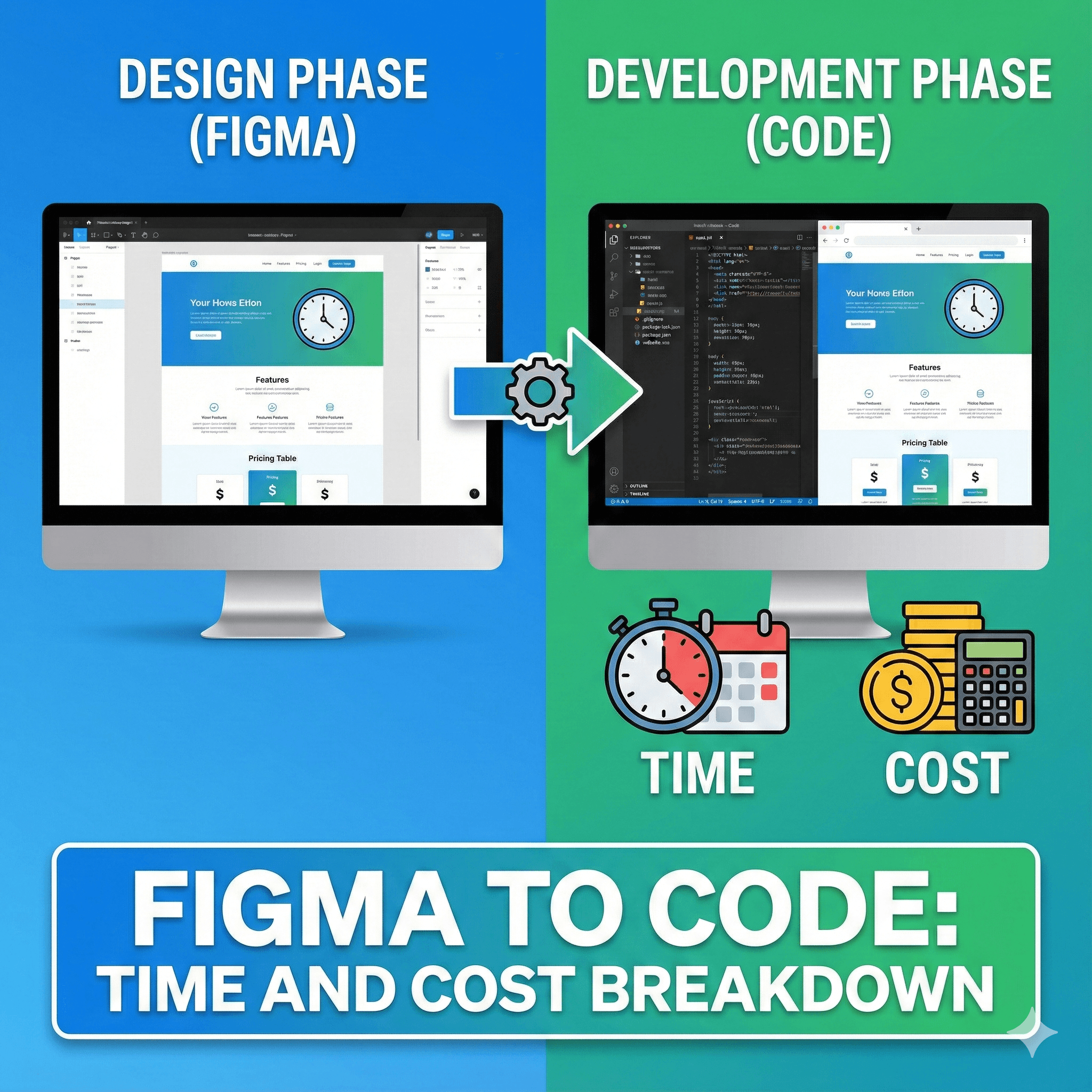
Figma to Code: Time and Cost Breakdown
By Senior Frontend Consultant
How Long and How Much?
For a single landing page, manual Figma to code conversion typically takes 1–3 days and costs between $200–$600 with a freelancer or $800–$1,500 with an agency. A full 5-page website generally takes 1–2 weeks and costs $1,500–$5,000+, depending on complexity. While automated tools (like Locofy or Anima) offer instant code, they often require 30–50% additional time for cleanup and optimization. Complex React/Next.js applications with custom animations can range from $5,000 to $15,000+.
1. What Is Figma to Code Conversion?
Figma to Code conversion is the critical phase where static design files (pixels) are translated into functional, interactive software (code). It involves interpreting the visual properties of a Figma design—layout, typography, colors, and spacing—and rewriting them into languages browsers understand, such as HTML, CSS, JavaScript, or modern frameworks like React, Vue, and Next.js.
This process is not just about "making it look the same." It’s about creating a living digital product that is responsive, accessible, fast, and scalable.
2. Why Convert Figma Designs into Code?
You might ask, "Why not just use a drag-and-drop builder?" While no-code tools are popular, professional "hand-coded" conversion offers unbeatable advantages:
Pixel Perfection: Builders often approximate designs. Manual coding ensures the live site matches the Figma prototype 100%.
Performance & Speed: Clean code lacks the "bloat" of website builders, resulting in faster load times and better Core Web Vitals.
SEO Dominance: Semantic HTML structure allows search engines to index your content effectively, boosting rankings.
Scalability: Custom code allows for unlimited future integrations (APIs, databases, complex animations) that builders cannot handle.
3. Factors Affecting Figma to Code Time
The "standard" timeline is a myth. Three primary variables dictate how fast your project moves from design to deployment:
A. Design Complexity
Simple: Standard grid layouts, standard fonts, minimal overlapping elements. (Fastest)
Medium: Custom illustrations, non-standard grids (masonry), sticky headers, and simple hover effects.
Complex: 3D elements, parallax scrolling, complex data visualizations, or "glassmorphism" effects requiring advanced CSS/Canvas.
B. Interactivity & State Management
A static "Contact Us" page is quick. A dynamic dashboard where charts update in real-time, or a multi-step form with validation logic, requires JavaScript engineering, significantly extending the timeline.
C. Responsiveness (The Multi-Device Rule)
Developers don't just build one view; they build at least three: Desktop, Tablet, and Mobile. If your Figma file lacks mobile views, the developer must "invent" the responsive behavior, adding 20–30% more time for decision-making and testing.
4. Estimated Development Time (Realistic Scenarios)
Project Type | Complexity | Est. Time (Freelancer) | Est. Time (Agency) |
Landing Page | Static, Standard Layout | 8 – 16 Hours | 2 – 3 Days |
Corp. Website (5 Pages) | Contact Form, Mobile Menu | 5 – 7 Days | 1.5 – 2 Weeks |
E-commerce Homepage | Carousels, Product Grids | 4 – 6 Days | 1 – 1.5 Weeks |
SaaS Dashboard | Charts, Interactive Data | 2 – 3 Weeks | 3 – 5 Weeks |
5. Factors Affecting Figma to Code Cost
Pricing is a calculation of Hourly Rate × Estimated Hours. However, the "Hourly Rate" varies wildly based on who you hire and where they are located.
Technology Stack: HTML/CSS is the baseline. React, Vue, or Next.js development typically commands a 30–50% premium because it requires software engineering skills, not just layout skills.
Quality Assurance (QA): Professional agencies include QA testing (cross-browser, mobile device lab) in their cost. Freelancers often charge for development only, leaving testing to you.
Urgency: "Rush fees" for weekend or 48-hour delivery often double the standard rate.
6. Cost Breakdown: Freelancer vs. Agency vs. In-house
Freelancer (Upwork, Toptal, Fiverr)
Cost: $30 – $80 / hour
Pros: Flexible, cost-effective for small projects, direct communication.
Cons: Inconsistent availability, code quality varies, single point of failure (if they get sick, your project stops).
Development Agency
Cost: $60 – $150 / hour
Pros: Reliable, diverse skill sets (backend + frontend), project management included, standardized code quality.
Cons: Higher overhead, slower onboarding process.
In-House Developer
Cost: $80k – $140k / year (Salary + Benefits)
Pros: Deep product knowledge, full alignment with company culture.
Cons: Expensive for one-off projects; requires recruitment and retention efforts.
7. Country-wise Cost Comparison
Global "geo-arbitrage" allows you to find high-quality code at different price points.
Region | Hourly Rate (Avg.) | Cost for 5-Page Site |
North America (USA/CA) | $100 – $200 | $5,000 – $12,000 |
Western Europe (UK/DE) | $80 – $150 | $4,000 – $8,000 |
Eastern Europe (PL/UA) | $40 – $80 | $2,500 – $5,000 |
India / Southeast Asia | $25 – $50 | $1,000 – $3,000 |
Pro Tip: India and Eastern Europe often offer the best "Quality-to-Cost" ratio for startups. Look for agencies with verifiable case studies to ensure code quality.
8. Technology Stack Impact
HTML5 / CSS3 (The Standard)
Best For: Marketing sites, landing pages, informational blogs.
Cost Impact: Baseline ($).
Why: Simple, lightweight, and universally supported.
React / Vue.js (The Component Age)
Best For: Web apps, dashboards, sites with complex state (e.g., Airbnb, Netflix).
Cost Impact: +40% ($$).
Why: Requires setting up a build environment (Webpack/Vite), component architecture, and props management.
Next.js (The SEO King)
Best For: E-commerce, high-traffic media sites requiring Server-Side Rendering (SSR).
Cost Impact: +50% ($$$).
Why: Involves complex routing, API integration, and server-side logic.
9. Responsive, SEO & Performance Considerations
A visual match is not enough. The converted code must perform.
Responsive Strategy: Code must use relative units (
rem,%,vw) rather than fixed pixels (px) to ensure fluidity across thousands of screen sizes.SEO "Under the Hood":
Semantic Tags: Using
<header>,<nav>,<main>,<article>instead of just<div>helps Google understand your content hierarchy.Image Optimization: Converting Figma exports to WebP or AVIF formats to reduce file size by 50-70%.
Accessibility (a11y): Ensuring sufficient color contrast, keyboard navigation support, and ARIA labels for screen readers. This protects you from lawsuits and opens your site to all users.
10. Common Mistakes and How to Avoid Them
"The Happy Path" Design: Designers often only design the "perfect" state.
Fix: Ask your designer to create "Error" states (e.g., empty search results) and "Loading" states before coding begins.
Ignoring Asset Export Settings: Sending a developer a flat PNG of an icon instead of an SVG.
Fix: Use Figma's "Dev Mode" to mark assets for export properly.
Relying on Auto-Generated Code: Plugins often produce "spaghetti code" that is impossible to maintain.
Fix: Use plugins for prototyping, but insist on manual, semantic coding for production.
11. FAQs
Q1: Can I use AI tools to convert Figma to code automatically?
Yes, tools like Locofy, Anima, and Builder.io use AI to generate code. However, the output typically requires 30-40% manual refactoring to be production-ready, especially for complex logic or specific framework requirements.
Q2: Do I need to provide mobile designs in Figma?
Ideally, yes. If you don't, the developer has to make design decisions, which slows down the process and may lead to a result you didn't envision. At a minimum, provide a mobile view for the Homepage.
Q3: What is "Pixel Perfect" and does it really matter?
"Pixel Perfect" means the code looks exactly like the design. In the modern web of fluid screens, "Visual Perfection" (it looks great on all devices) is more important than rigid pixel perfection, which can break responsiveness.
Q4: Does the cost include hosting setup?
Usually, no. Standard conversion deliverables are the code files (ZIP or GitHub repo). Deploying to Vercel, Netlify, or AWS is typically an add-on service.
Q5: React vs. HTML – which is cheaper for maintenance?
HTML is cheaper to build but harder to scale. React is more expensive upfront but makes updating global elements (like a navbar) instant across 100+ pages, saving money in the long run.
12. Final Time & Cost Summary Table
Project Scope | Tech Stack | Timeline | Estimated Cost (Global Avg) |
Landing Page | HTML/CSS | 2 Days | $300 - $800 |
Landing Page | React/Next.js | 3 Days | $500 - $1,000 |
5-Page Site | HTML/CSS | 1-2 Weeks | $1,500 - $3,500 |
5-Page Site | React/Next.js | 2 Weeks | $2,500 - $5,000 |
Web App (MVP) | React/Node | 4-6 Weeks | $8,000 - $20,000+ |
Conclusion
Converting Figma to Code is the bridge between imagination and reality. While costs vary significantly based on location and tech stack, the "hidden" cost of bad code—slow sites, poor SEO, and impossible maintenance—is far higher than investing in a quality conversion upfront.
For startups, outsourcing to a specialized agency or a senior freelancer in a cost-effective region often provides the perfect balance of speed, quality, and budget.
Ready to turn your design into a high-performance website? [Contact Us] today for a free code consultation and quote.